










Some of the most useful free productivity tools for students in 2026 include Google Calendar, Todoist, Trello and other free note, task and focus tools.
The best app depends on what problem you need to solve.
Use:
- a calendar for time-based commitments;
- a task manager for assignments;
- a board for projects;
- notes for knowledge;
- a focus tool for distraction control.
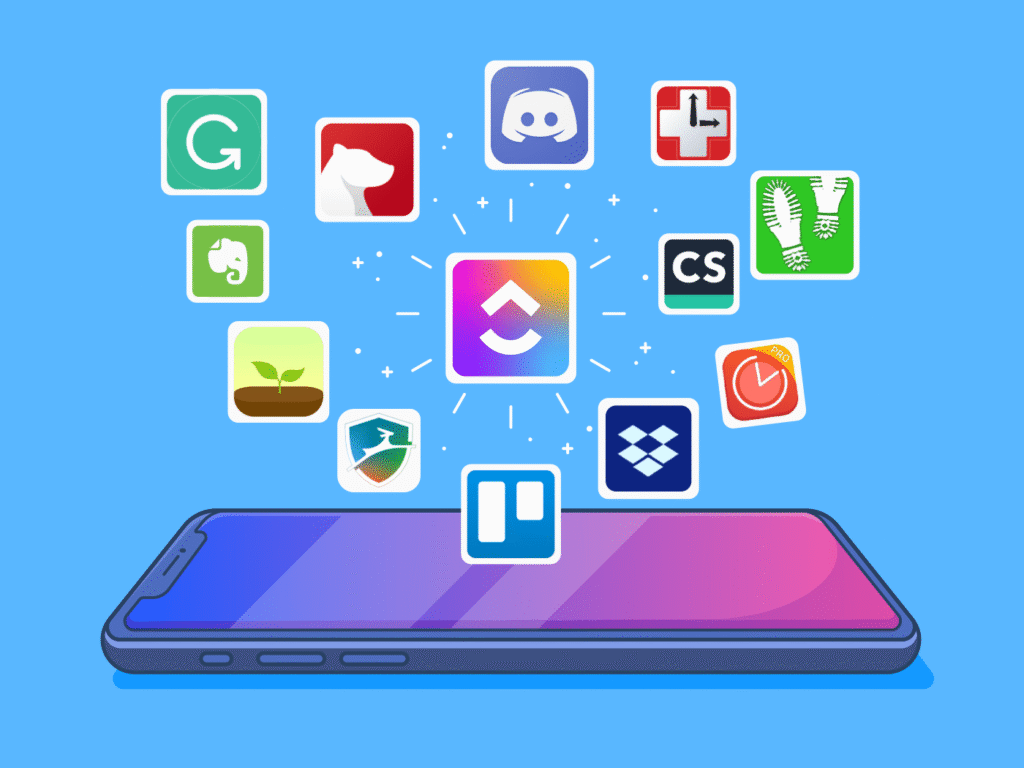
Avoid installing ten productivity apps. A simple system of two or three tools is often easier to maintain.
What Makes a Good Productivity App for Students?
A useful student app should help you do at least one of these things:
- remember deadlines;
- organise assignments;
- plan study sessions;
- store information;
- collaborate on projects;
- reduce distractions;
- see upcoming workload.
A productivity app is not productive if you spend more time customising it than studying.
1. Google Calendar – Best for Time Blocking
Google Calendar works well for lectures, study sessions, exams and deadlines.
You can use it to:
- schedule events;
- create multiple calendars;
- assign tasks;
- share schedules.
Best Student Use
Create different calendar categories for:
- classes;
- exams;
- assignment deadlines;
- study blocks;
- personal activities.
Instead of writing “Study maths tonight,” schedule:
6:00–7:30 PM – Calculus Chapter 5 Practice
Specific blocks make the plan more actionable.
2. Todoist – Best for Assignment Lists
Todoist currently offers a free Beginner plan with features such as personal projects, due dates, reminders and list/board organisation, although limits apply to the free tier.
Best Student Use
Create projects such as:
- Semester Tasks;
- Mathematics;
- English;
- Internship;
- Personal.
Add deadlines and priority levels.
Instead of keeping every task in your head, capture it immediately.
3. Trello – Best for Visual Project Management
Trello’s Free plan currently includes unlimited cards and up to 10 boards per Workspace, along with due dates and other basic project-management features.
Best Student Use
Create three columns:
To Do → Doing → Done
For a research project, your cards might be:
- choose topic;
- collect sources;
- create outline;
- write introduction;
- complete first draft;
- proofread;
- submit.
The visual movement of tasks makes progress easy to see.
4. Google Keep – Best for Quick Notes
Use a lightweight notes tool when you need to capture information quickly.
Good uses include:
- ideas;
- reminders;
- reading lists;
- questions for teachers;
- short checklists.
Do not force a complex note system onto information that only needs one sentence.
5. Google Docs – Best for Assignments and Collaboration
For essays, reports and group assignments, cloud-based documents make collaboration easier.
Students can:
- write from multiple devices;
- share documents;
- comment;
- collaborate;
- keep revisions together.
For group projects, agree on a document structure before everyone starts editing.
6. Anki or Flashcard Tools – Best for Repeated Recall
Flashcard applications are useful when you need to remember:
- vocabulary;
- formulas;
- definitions;
- dates;
- medical terminology;
- language phrases.
The value comes from trying to recall the answer before revealing it.
Do not make cards unnecessarily long.
One card should ideally test one clear idea.
7. Forest-Style Focus Tools – Best for Phone Distraction
Focus apps use timers, restrictions or visual rewards to help users stay away from distracting apps.
They can be helpful if your biggest problem is repeatedly unlocking your phone.
However, no focus app can fix an unclear study plan.
First decide what you are going to work on.
Then start the timer.
8. Microsoft OneNote – Best for Organised Study Notes
OneNote-style digital notebooks are useful for students who want separate sections for:
- subjects;
- lectures;
- assignments;
- revision;
- research.
A sensible notebook structure might be:
Biology
- Lecture Notes
- Practical Work
- Exam Questions
- Revision Summaries
Keep the structure simple enough that you remember where information belongs.
9. Google Drive – Best for File Organisation
A productivity system fails quickly when documents are scattered across Downloads, WhatsApp and random folders.
Create a simple structure:
College
→ Semester 1
→ Subject Name
→ Notes
→ Assignments
→ Resources
Name documents clearly.
Instead of:
documentfinal2new.pdf
use:
Economics-Midterm-Revision-Notes.pdf
10. Pomodoro or Timer Apps – Best for Study Sessions
You do not need a complicated application.
A basic timer can work.
Try:
25 minutes work + 5 minutes rest
or
50 minutes work + 10 minutes rest
Use the timer to protect a focus block, not to obsess over productivity statistics.
Best Productivity App Setup for Students
You probably do not need all ten tools.
A minimal setup could be:
| Need | Tool Type |
| Classes + study blocks | Calendar |
| Assignments | Task manager |
| Notes | Notes/document app |
| Files | Cloud storage |
| Focus | Timer |
This is enough for most students.
Common Productivity App Mistakes
Constantly Switching Apps
Changing systems every week destroys consistency.
Over-Customising
Aesthetic dashboards can become procrastination.
Adding Tasks but Never Reviewing Them
Review your list at least once a day.
Tracking Everything
Not every five-minute activity needs to become a database entry.
Ignoring the Calendar
A list tells you what to do.
A calendar helps you decide when to do it.
FAQs
What is the best free productivity app for students?
There is no single best app. Google Calendar is useful for scheduling, Todoist for tasks and Trello for visual project management.
Are free productivity apps enough for college?
For many students, yes. Free versions often cover basic scheduling, task management and note-taking needs.
How many productivity apps should I use?
Start with two or three. Add another tool only when there is a specific problem your current system cannot solve.
What is the best app for assignment deadlines?
A calendar combined with a task manager works particularly well because one stores dates while the other stores actionable steps.
Final Thoughts
The best free productivity apps for students are not the ones with the most features.
They are the ones you consistently use.
Build a small system, review it daily and spend more time completing work than configuring the tools.